Logo
The customer sees your brand first, not a generic loyalty card.
Loyaltree turns your loyalty program into a pass saved in Apple Wallet or Google Wallet, with live points, clear rewards, and a QR your staff can scan at the counter.
Every extra step makes participation less likely. With Loyaltree, customers scan the QR, save the pass to their Wallet, and they are ready.
The pass is stored in the Apple Wallet or Google Wallet they already use.
Customers can start as guests, with no passwords and no email verification.
Points and upcoming rewards stay easy to reach on their phone.
The business can send useful updates when there is a real reason to return.
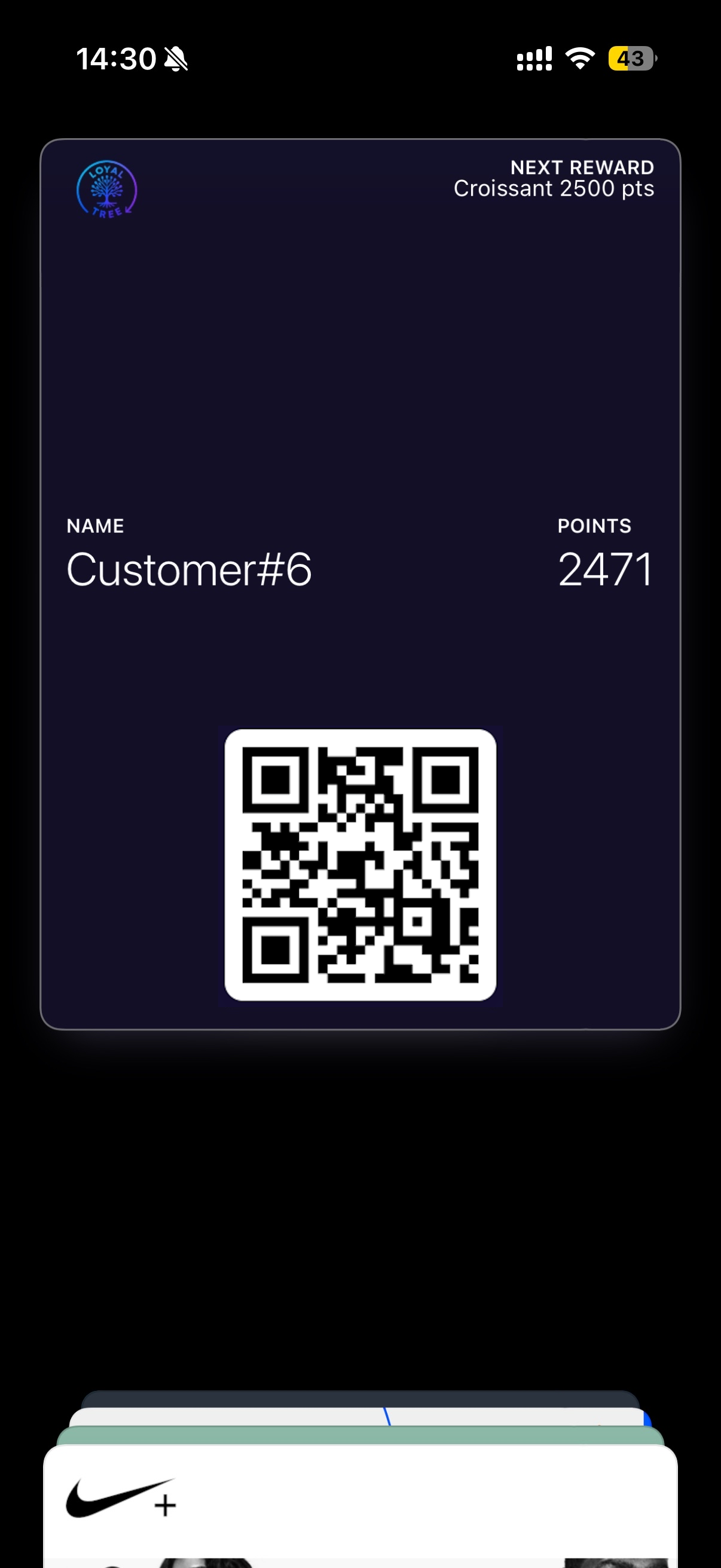
The wallet pass should explain the loyalty state at a glance: who owns it, what they have, what comes next, and how staff can scan it.
The customer sees your brand first, not a generic loyalty card.
The reward state stays visible every time the pass is opened.
The customer name helps identify the pass, while the QR connects it to scanning.
Balances update after each visit, so the card does not feel static.
A real scannable code connects the wallet pass with the scanner workflow.
Follow the customer journey from the poster QR to a saved pass, staff scan, live point update, and reward redemption.
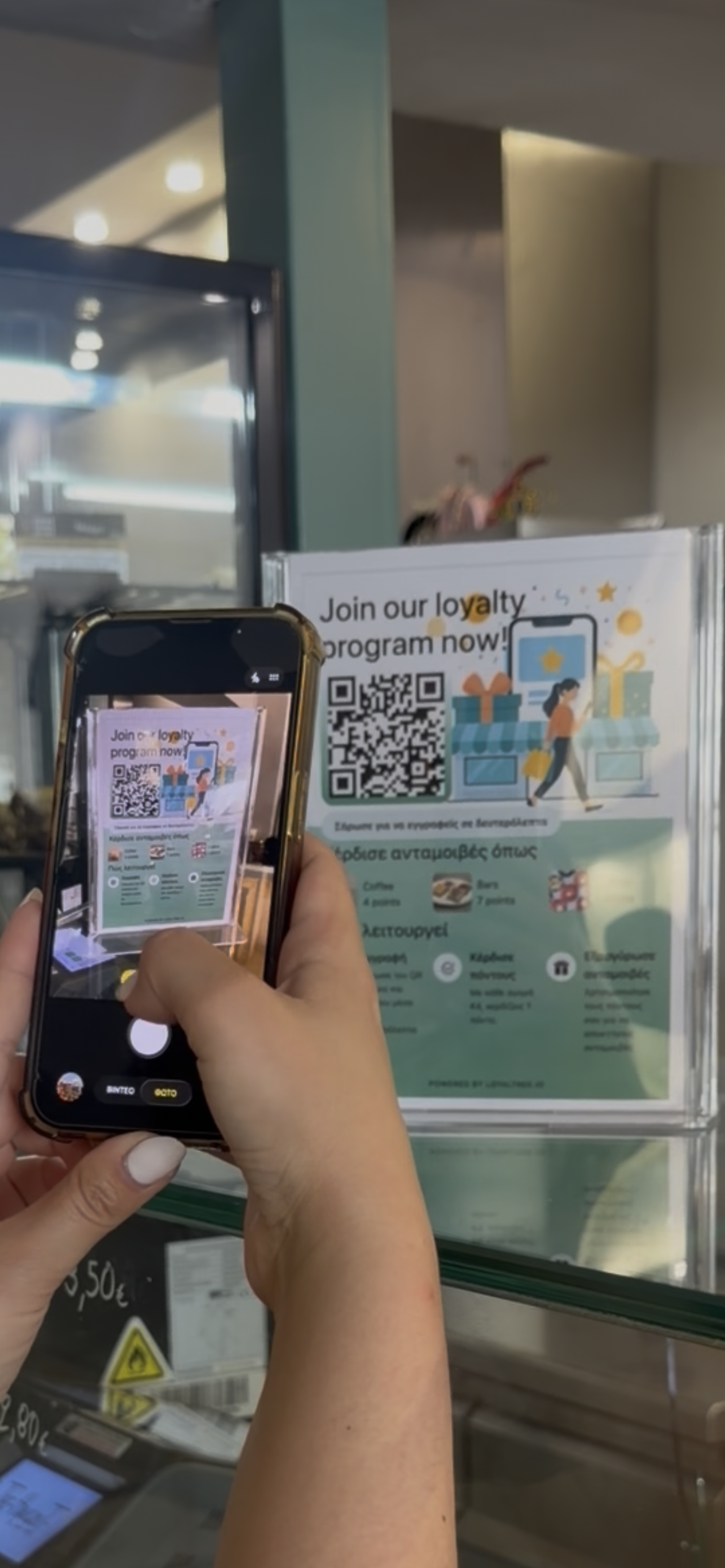
The loyalty poster gives customers a clear scan point at the counter.
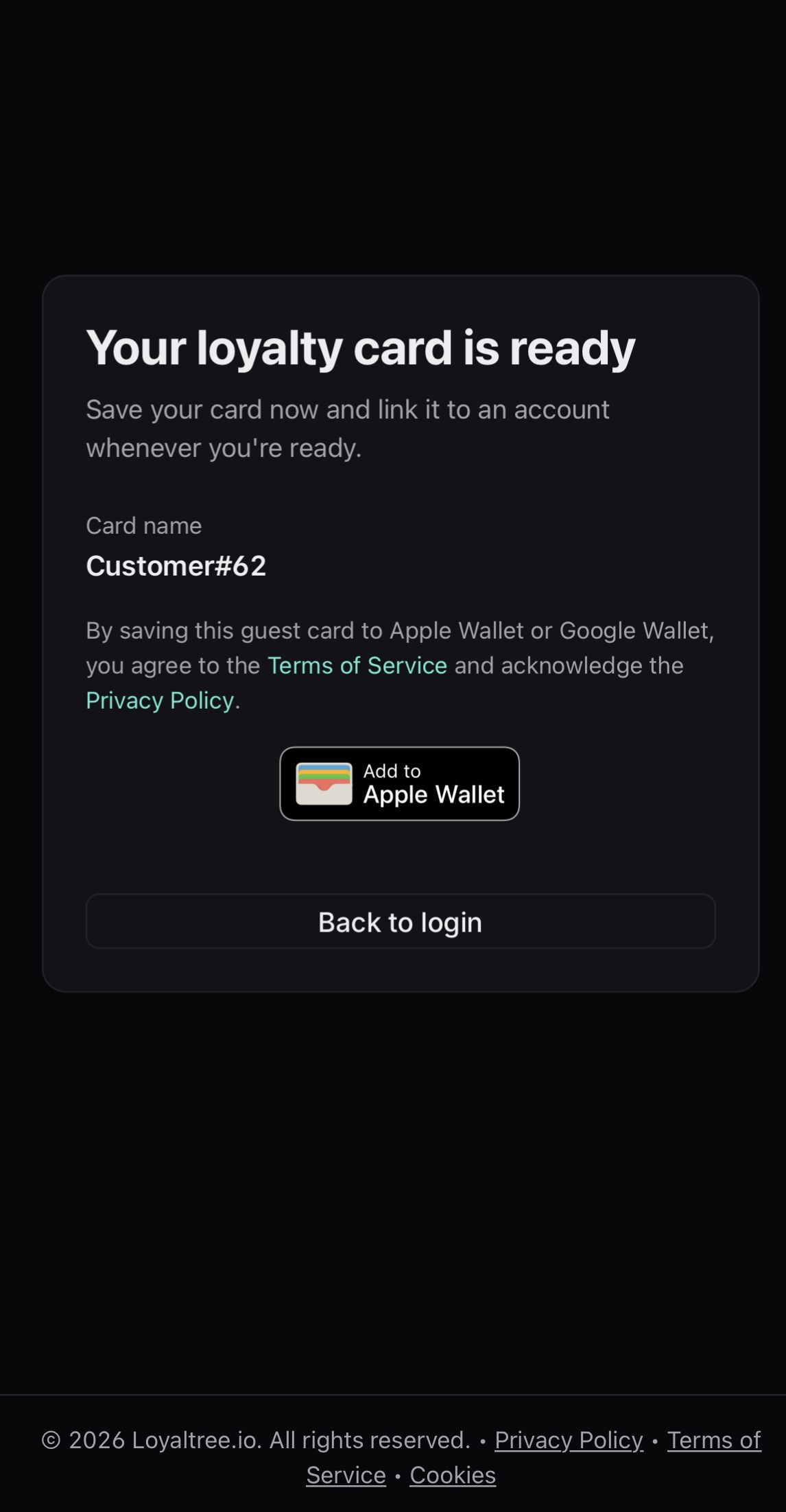
The pass is ready to save in the customer wallet.
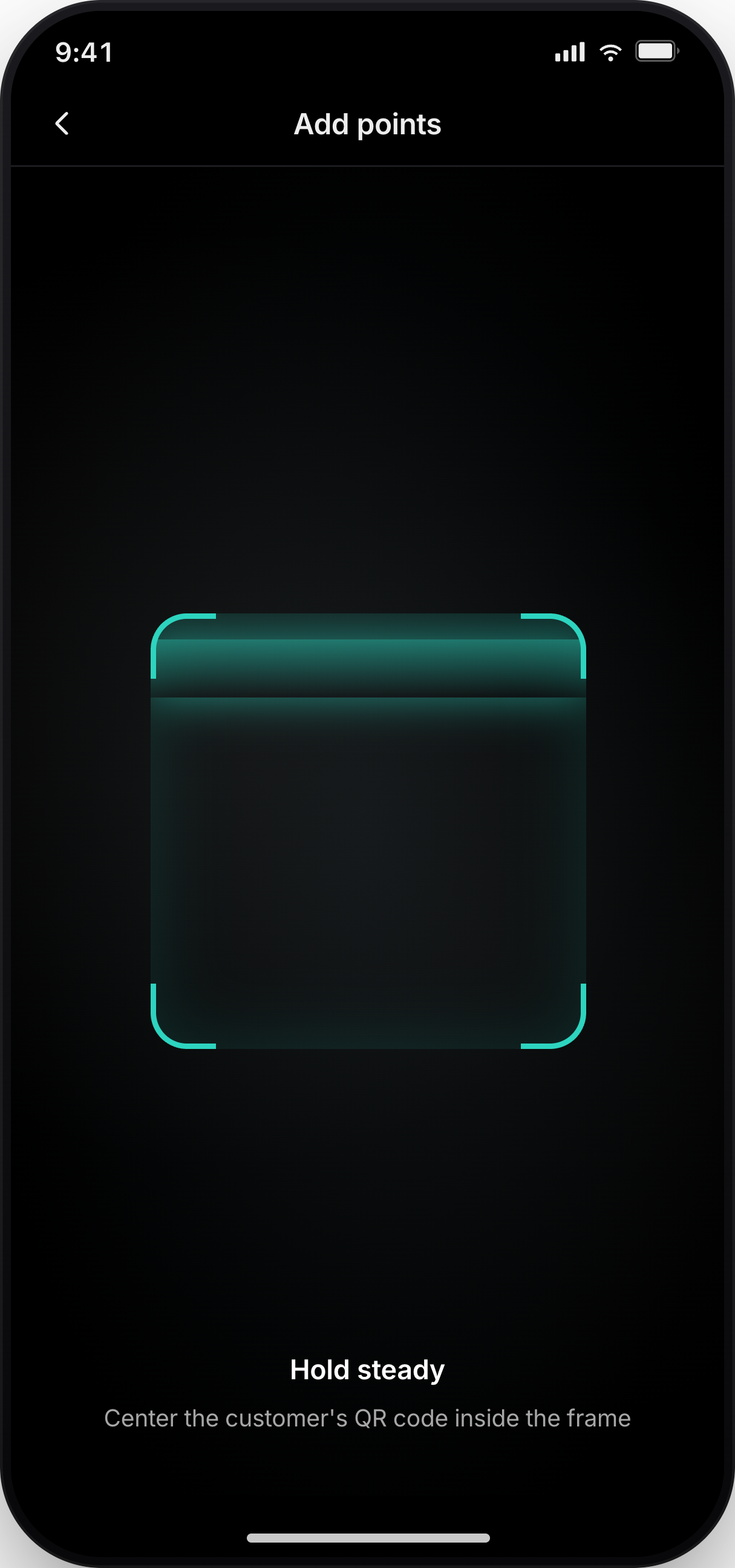
The pass QR is scanned from the staff app during checkout.
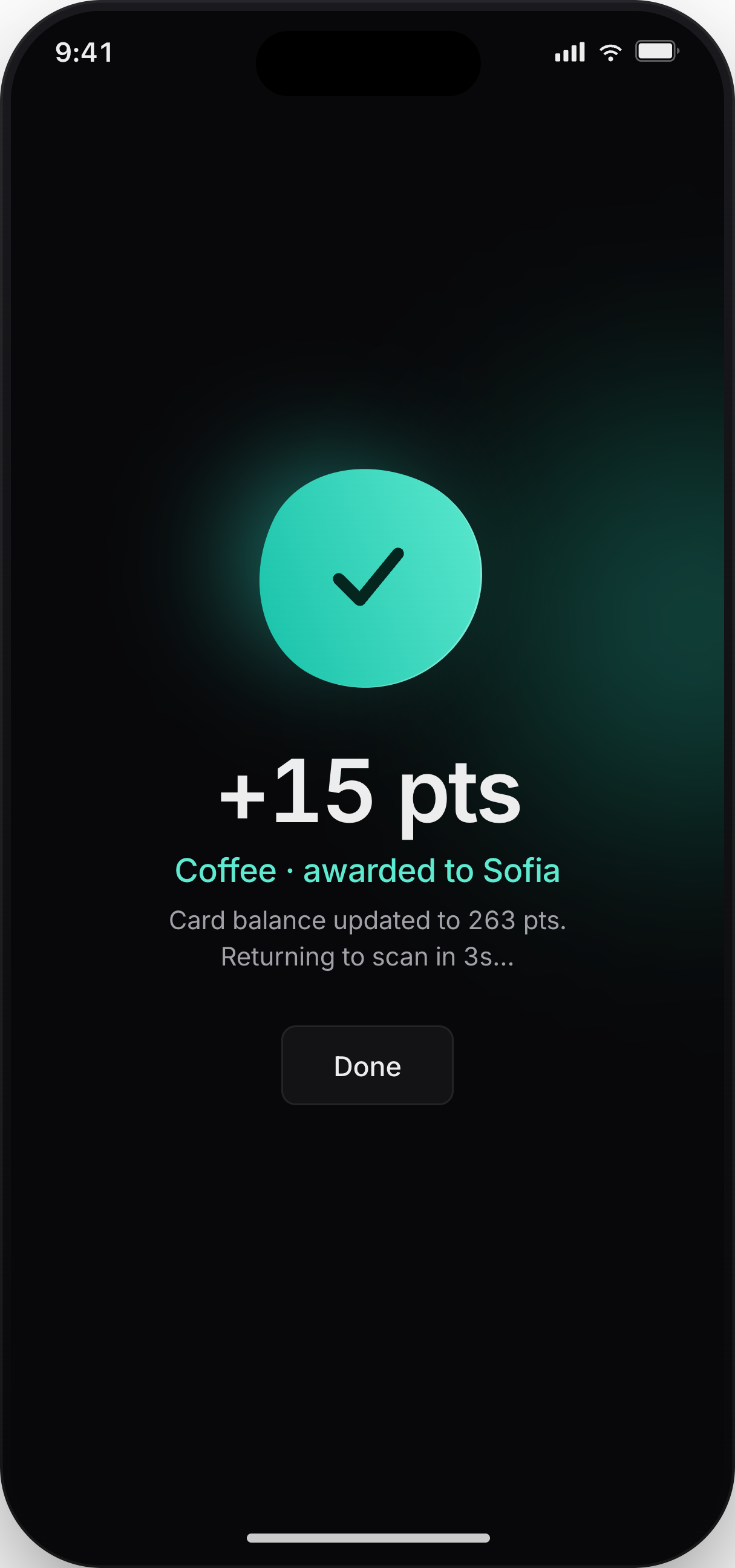
A successful scan updates the customer balance and closes the counter moment.
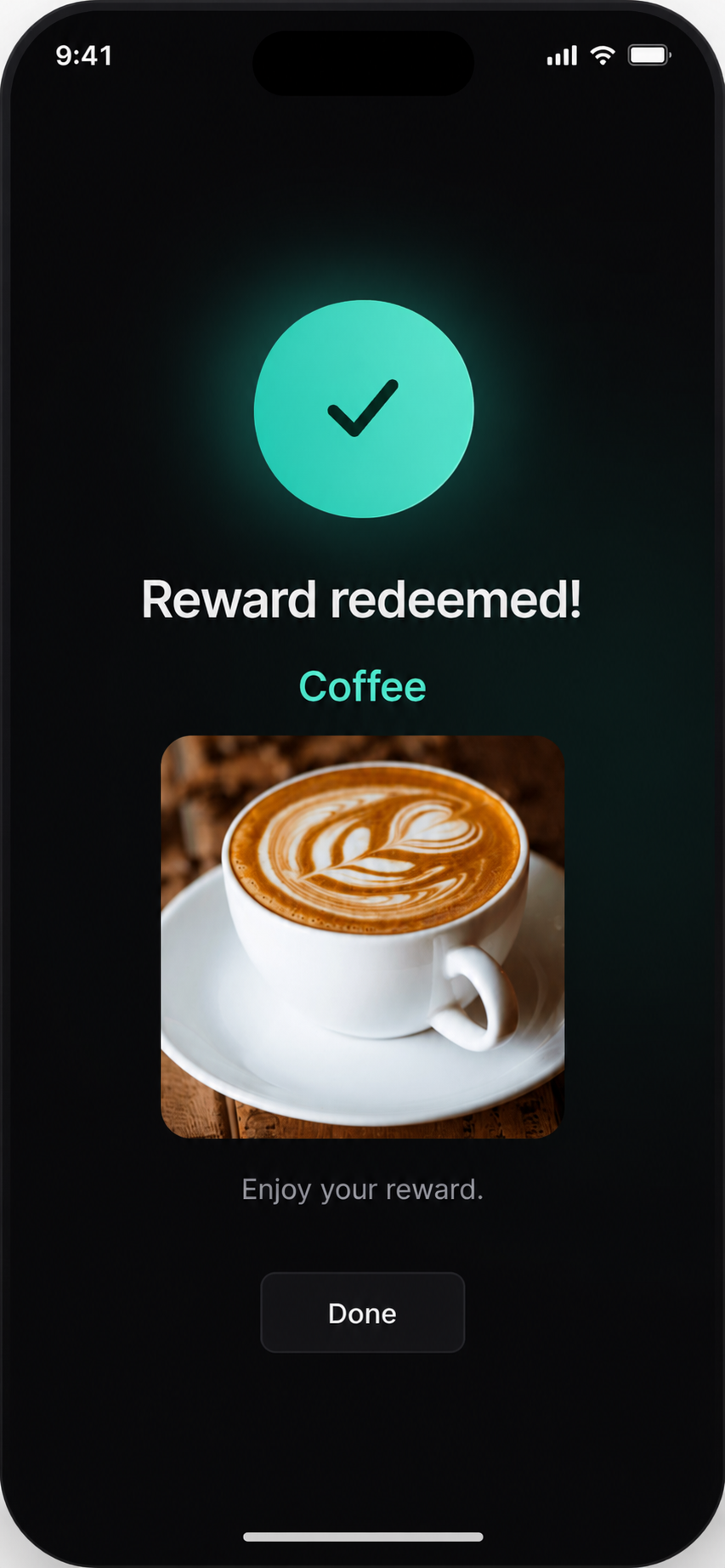
A redeem success state confirms the reward was used and keeps the customer journey moving.
The template customizer controls the customer-facing pass: logo, colors, reward fields, and the preview owners check before launch.
Tune the logo, colors, and wallet presentation before launch.
Define how points are earned and what the next reward should show on the pass.
Check how the pass looks after saves, scans, point updates, and redemptions.
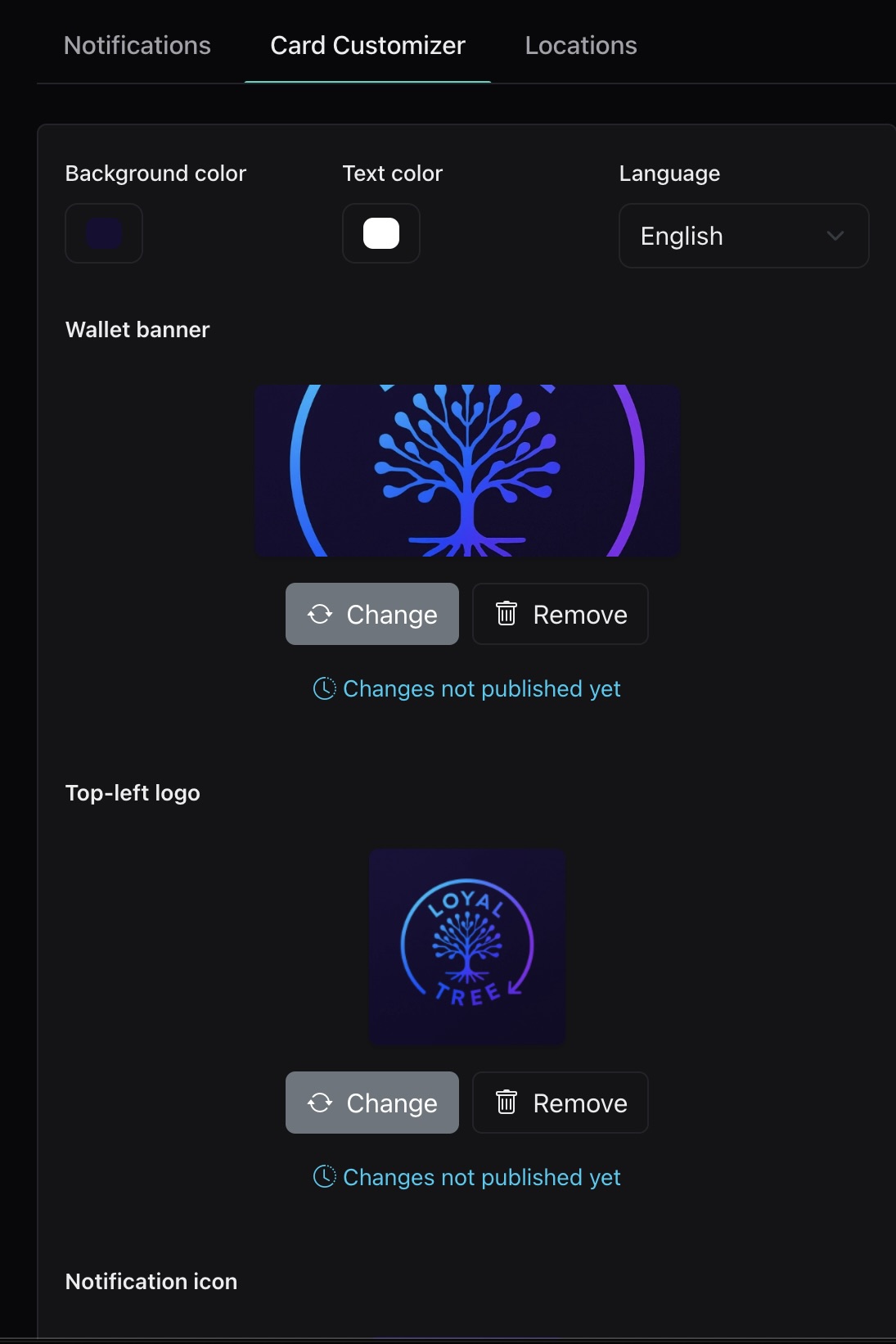
Customers keep the pass in Apple Wallet or Google Wallet, with no app download barrier.
Logo, reward, customer name, points, and QR code are treated as wallet properties, not decoration.
Points and rewards can change after checkout and stay current in the customer wallet.
Every pass carries a scannable code, ready for staff workflows at the counter.
No. They scan the poster QR once and save the pass into Apple Wallet or Google Wallet. After that, the pass lives in the wallet they already use.
Start with the default setup, then tune colors, fields, and rewards around the way your business already works.