Ready for the next visit.
Resources · For customers
A loyalty card customers can keep in Wallet.
Customers scan once, save the pass to Apple Wallet or Google Wallet, show it at checkout, and start earning rewards without downloading another app.
Next reward
Coffee · 3 points
Loyaltree
Name
John Doe
Points
1
Visible before checkout.
Customer journey
Scan once, then use the pass every time.
The customer experience should feel light: scan the QR, save the card, show it during checkout, and keep track of progress.
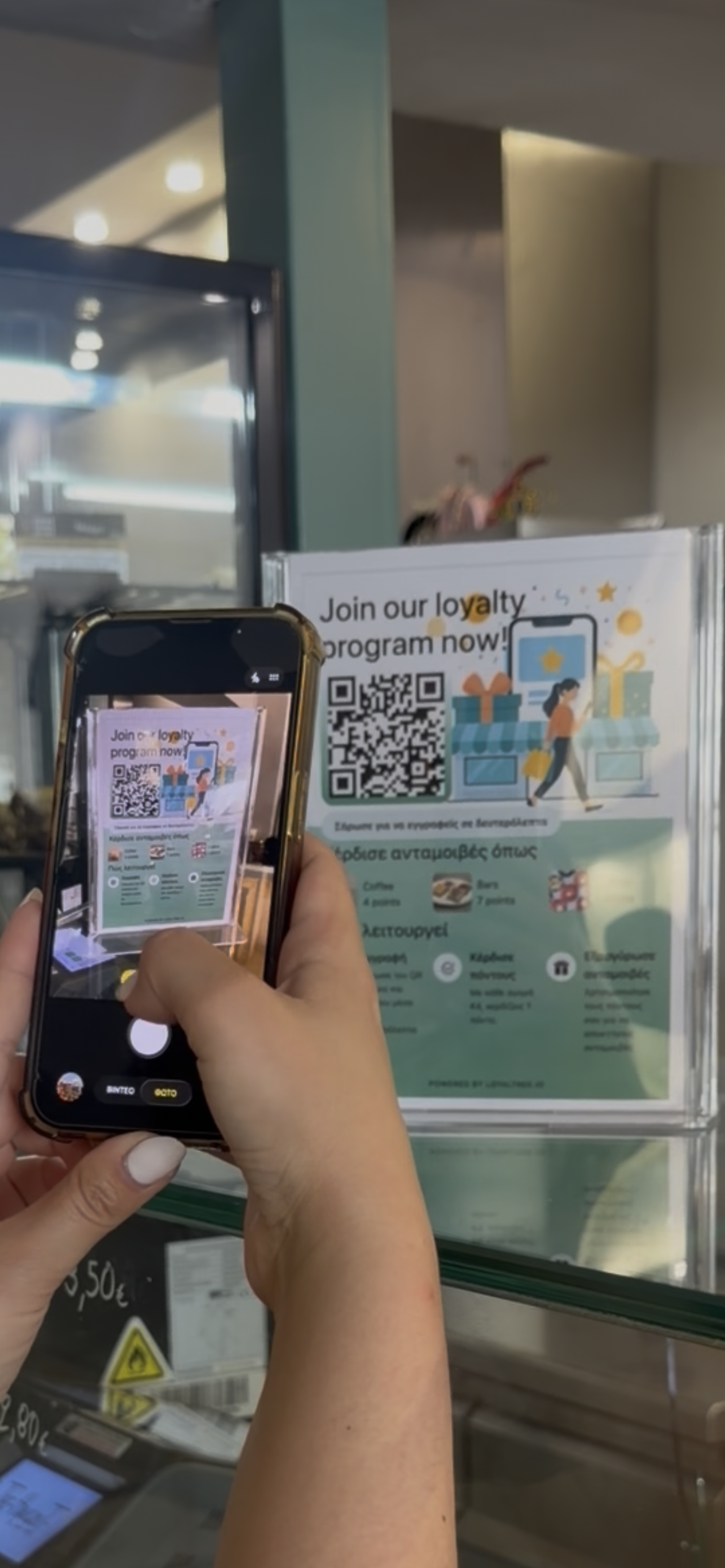
STEP 01
Scan the shop QR
The customer scans the QR from the place the shop has chosen and opens the loyalty pass.
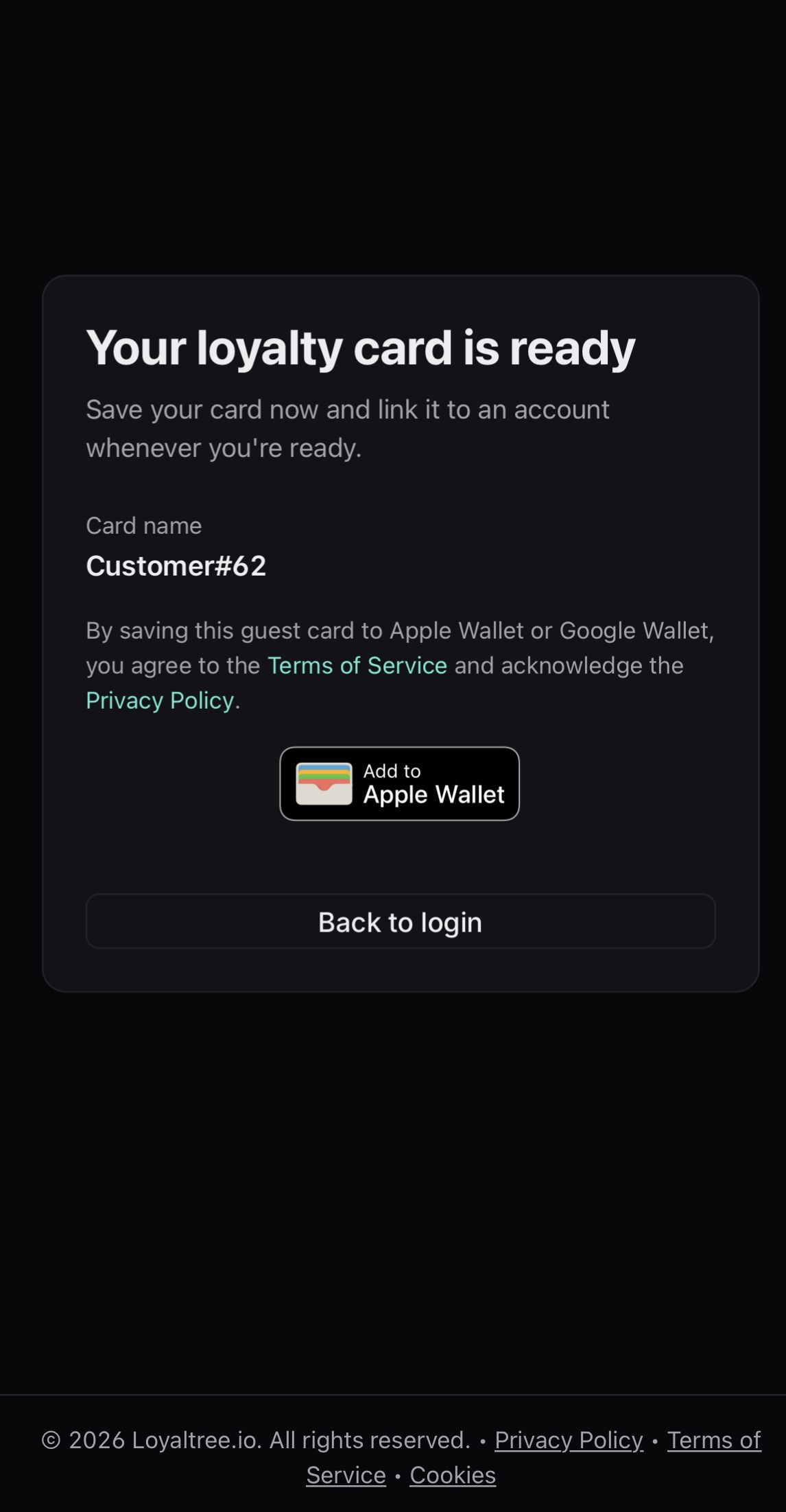
STEP 02
Save it to Wallet
The pass is saved to Apple Wallet or Google Wallet, so the customer does not need another loyalty app.
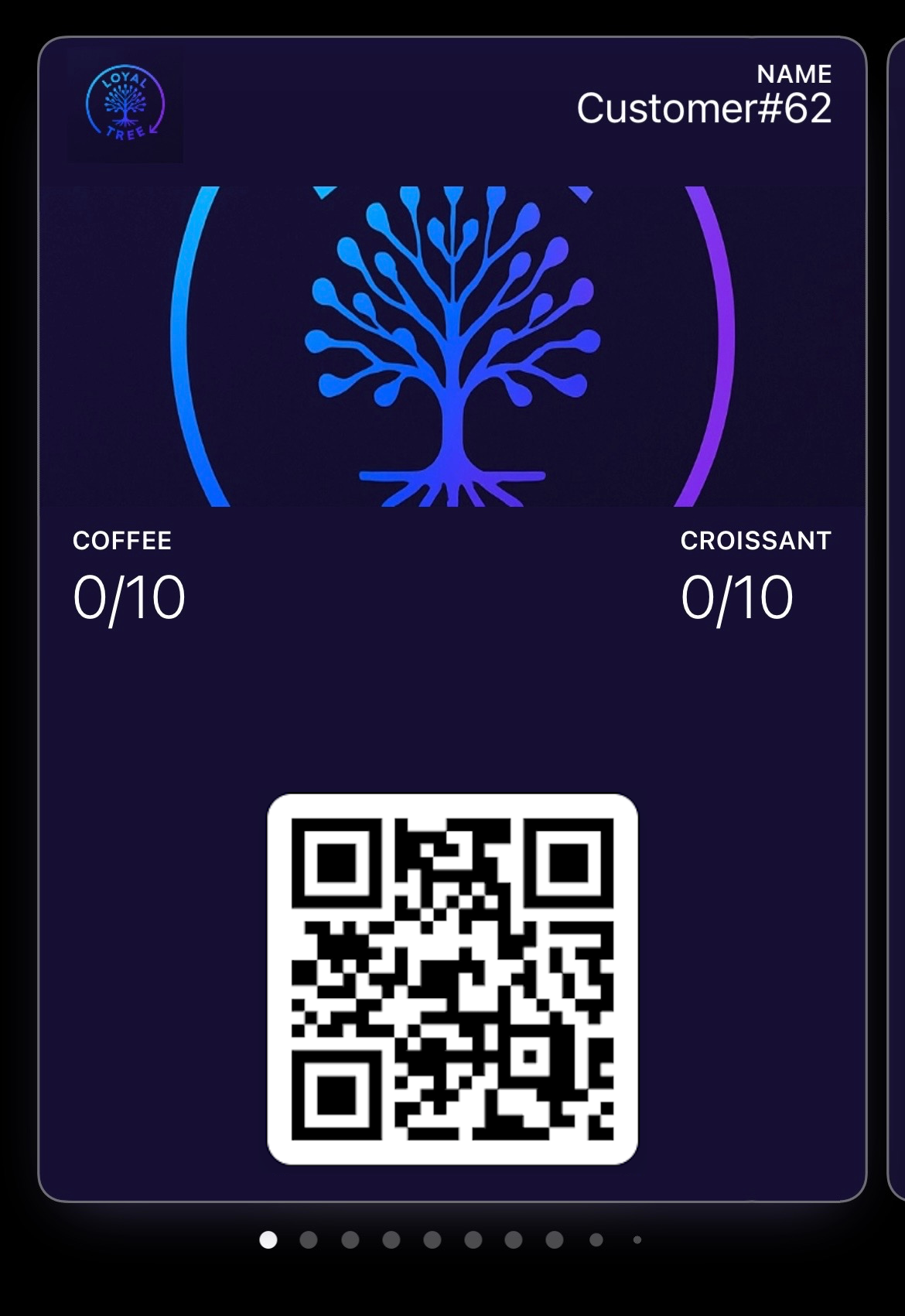
STEP 03
Open the saved pass
The customer keeps the loyalty pass in their wallet and can show it at checkout to add or redeem points.
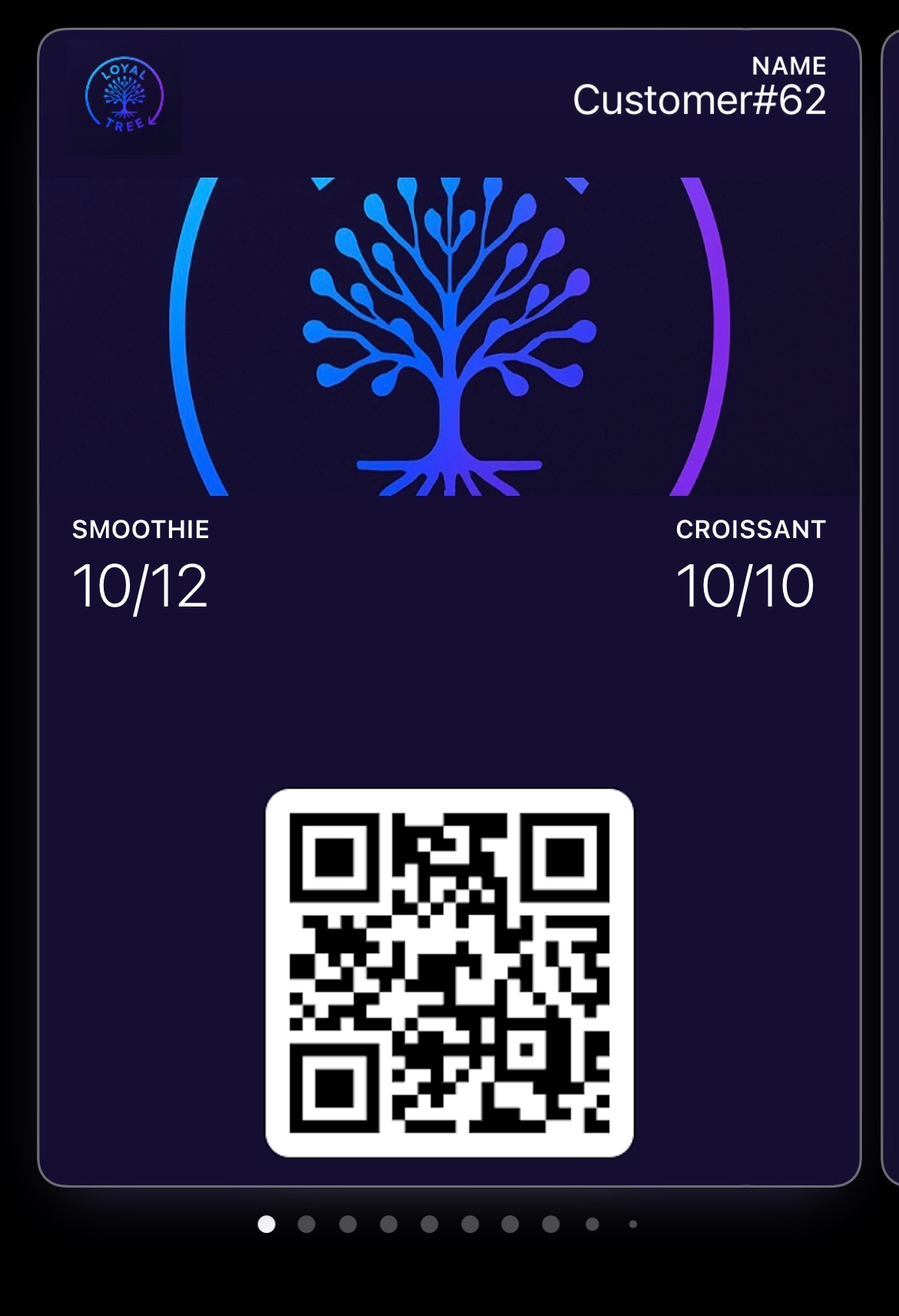
STEP 04
Watch points update
After staff scans the pass, the wallet card can show the updated points and progress.
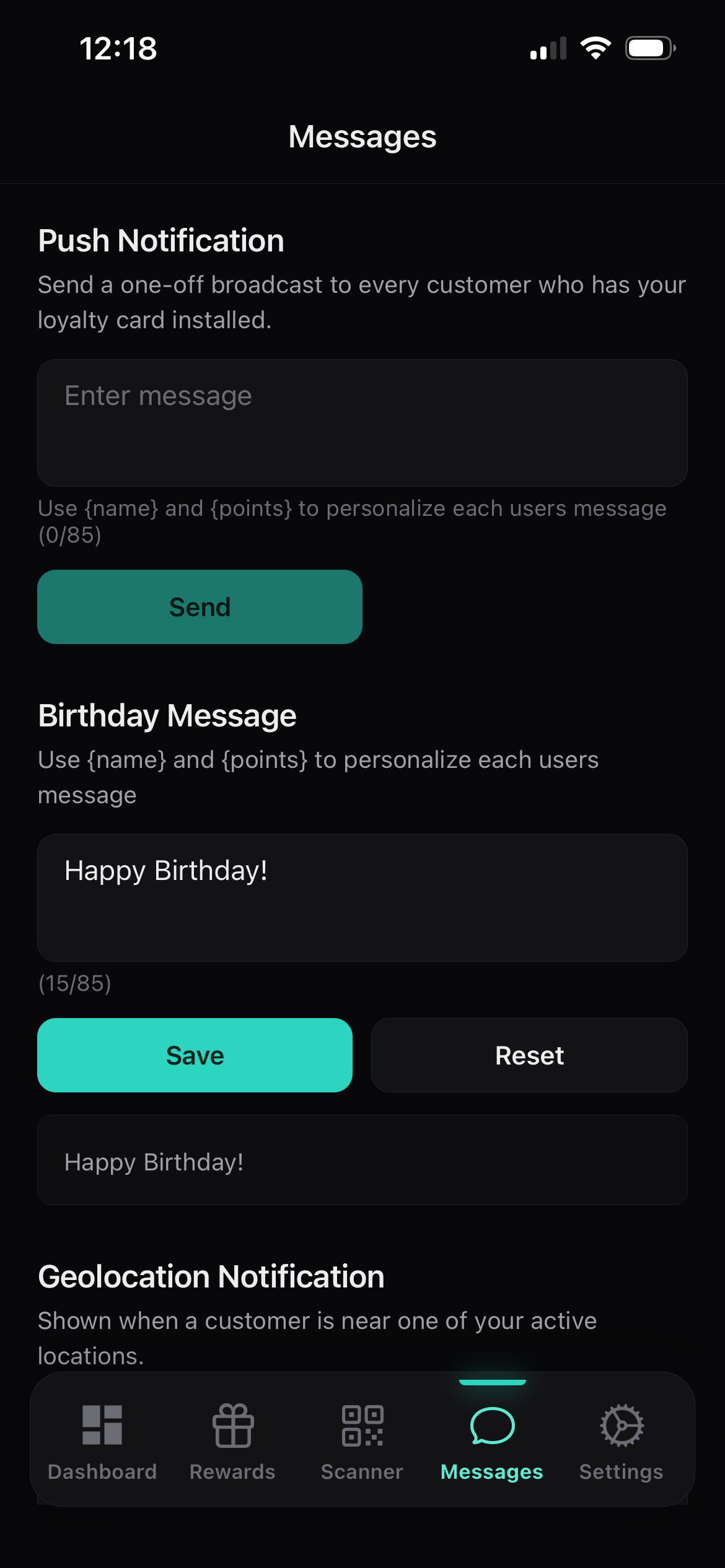
STEP 05
Come back for rewards
Customers can receive shop notifications for campaigns, offers, or location-based reminders when enabled.
Return loop
The pass follows the customer from first scan to reward.
Loyaltree stays simple for the customer while the shop handles the loyalty rules.
First visit
The customer scans once and saves the pass on their phone.
Return visit
The saved pass is opened from Wallet and scanned by staff during checkout.
Reward moment
The customer sees progress or a ready reward without needing to ask how many points they have.
Customer benefits
Modern loyalty without the usual friction.
01
No extra app
The pass lives in the wallet already built into the customer phone.
02
Easy to find
The customer can open the pass from Wallet instead of searching for a card or remembering an account.
03
Clear progress
Points, reward status, and the next benefit stay visible on the pass.
04
Fast checkout
Staff scans the pass QR, so earning and redeeming can fit naturally into the counter flow.
05
Useful messages
Customers can receive shop messages for rewards, campaigns, or location-based reminders when enabled.
06
One card per shop
Each saved pass belongs to the business the customer joined, with that shop brand and reward program.
For customers FAQ
What customers usually want to know.
The main customer action is saving the pass in their digital wallet, either with registration details or as a guest user.
Want the shop-side view too?
The customer pass stays simple because the business handles setup, scanning, rewards, and notifications from Loyaltree.