01
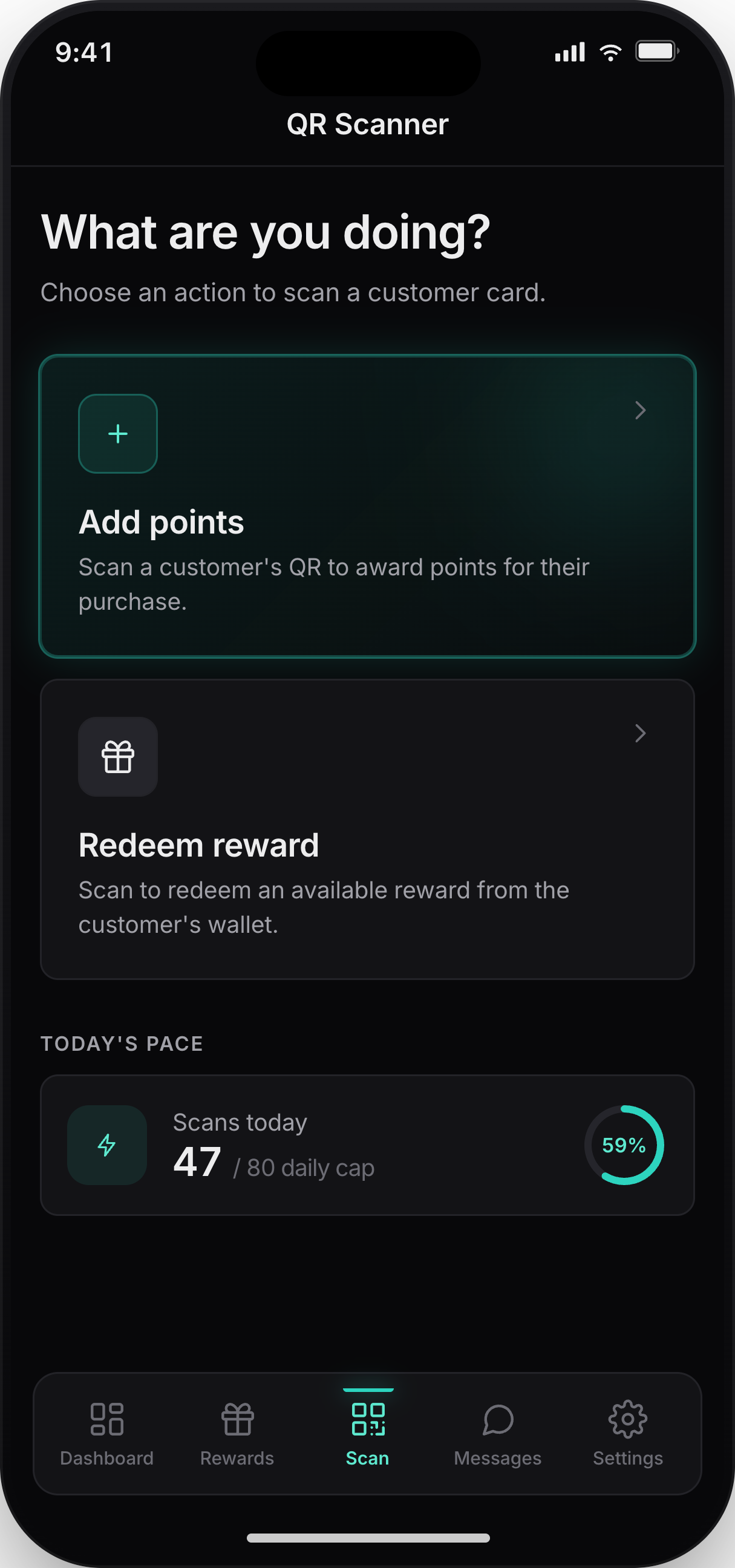
Open staff scanner
Staff chooses the checkout action before scanning the customer pass.
Loyaltree Scanner gives staff a focused counter workflow for adding points, redeeming rewards, and keeping every wallet pass in sync.
Staff can choose an action, scan the customer pass, confirm the result, and see clear limits when a rule blocks the scan.
Staff chooses the checkout action before scanning the customer pass.
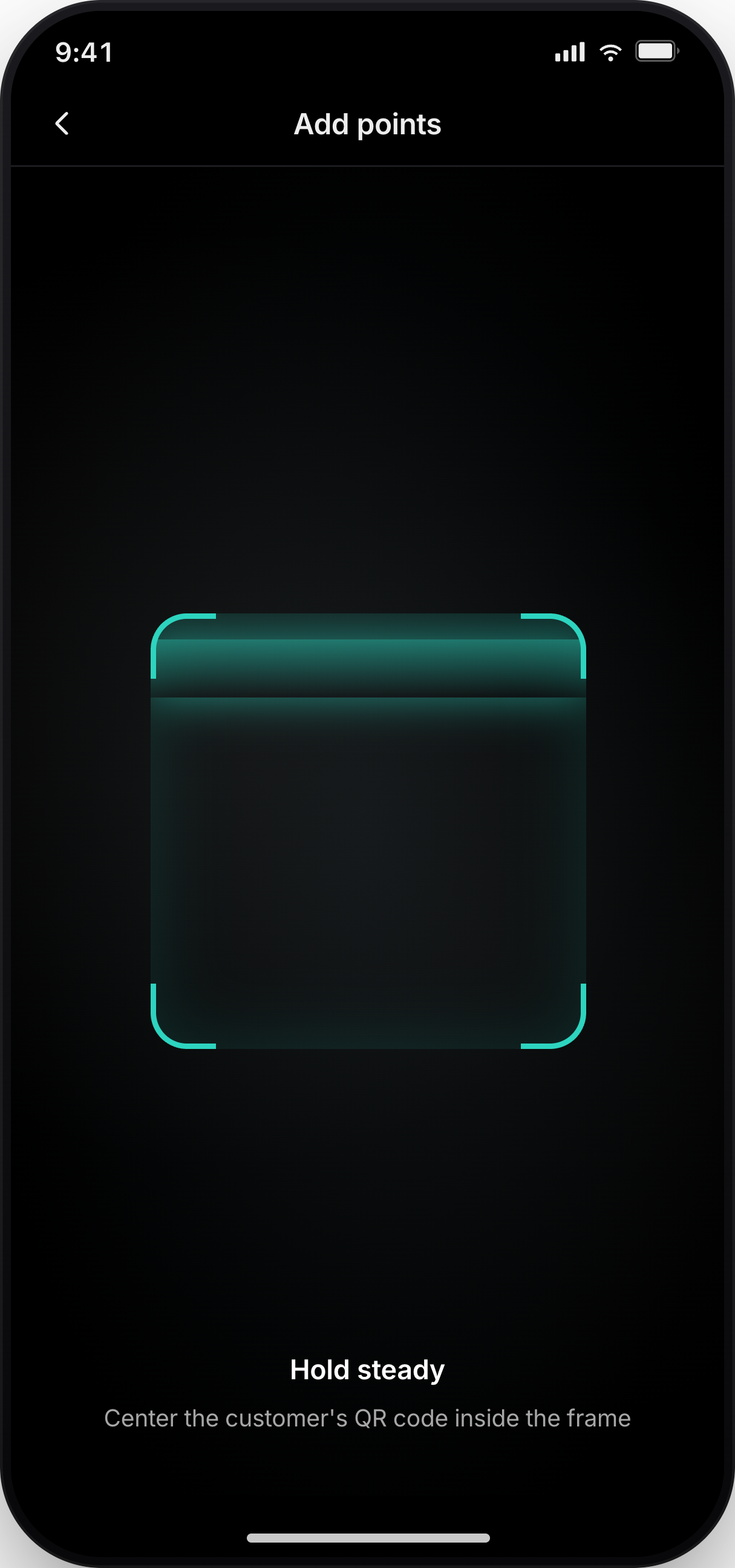
The camera view keeps the QR target clear for a fast counter scan.
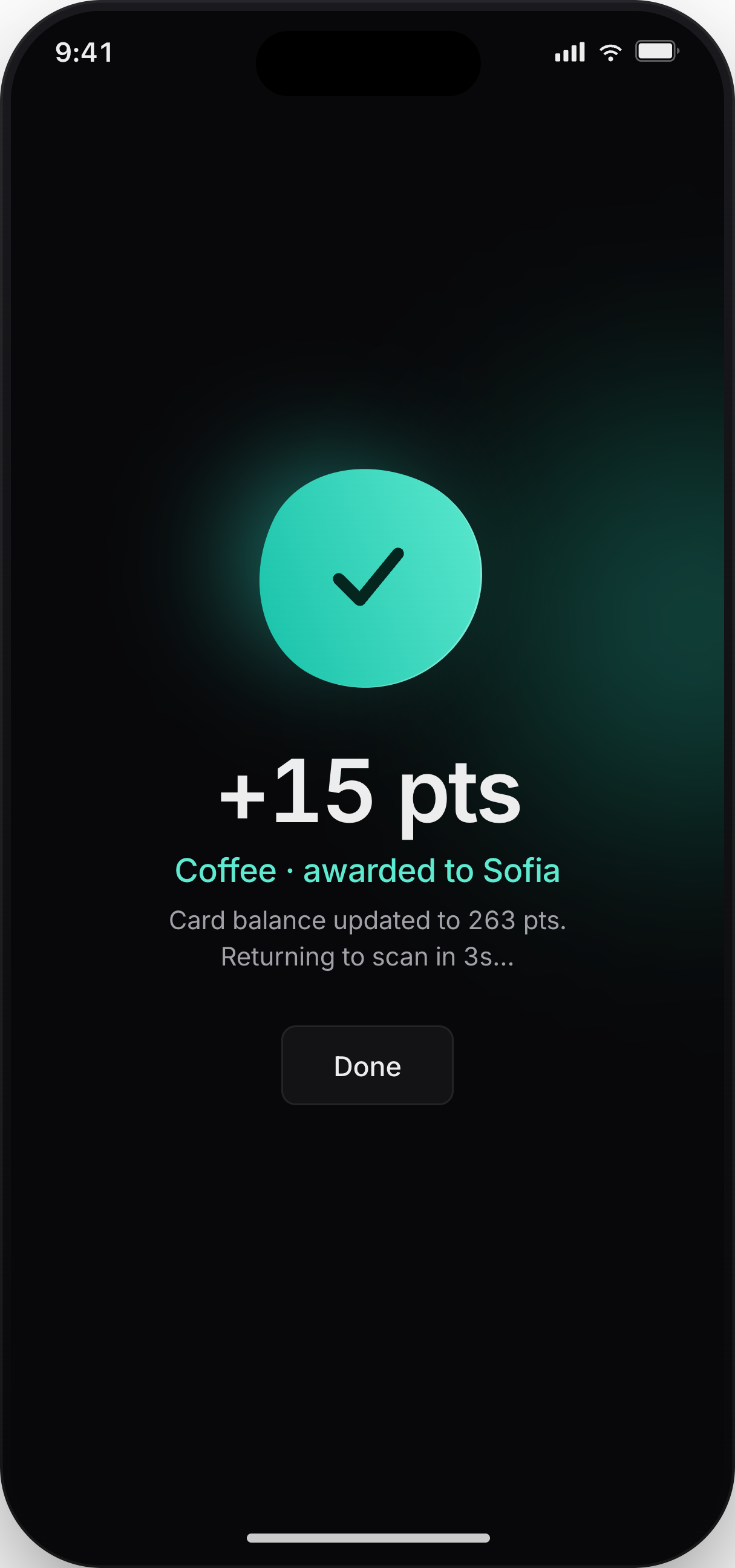
The success state shows exactly what changed for the customer.
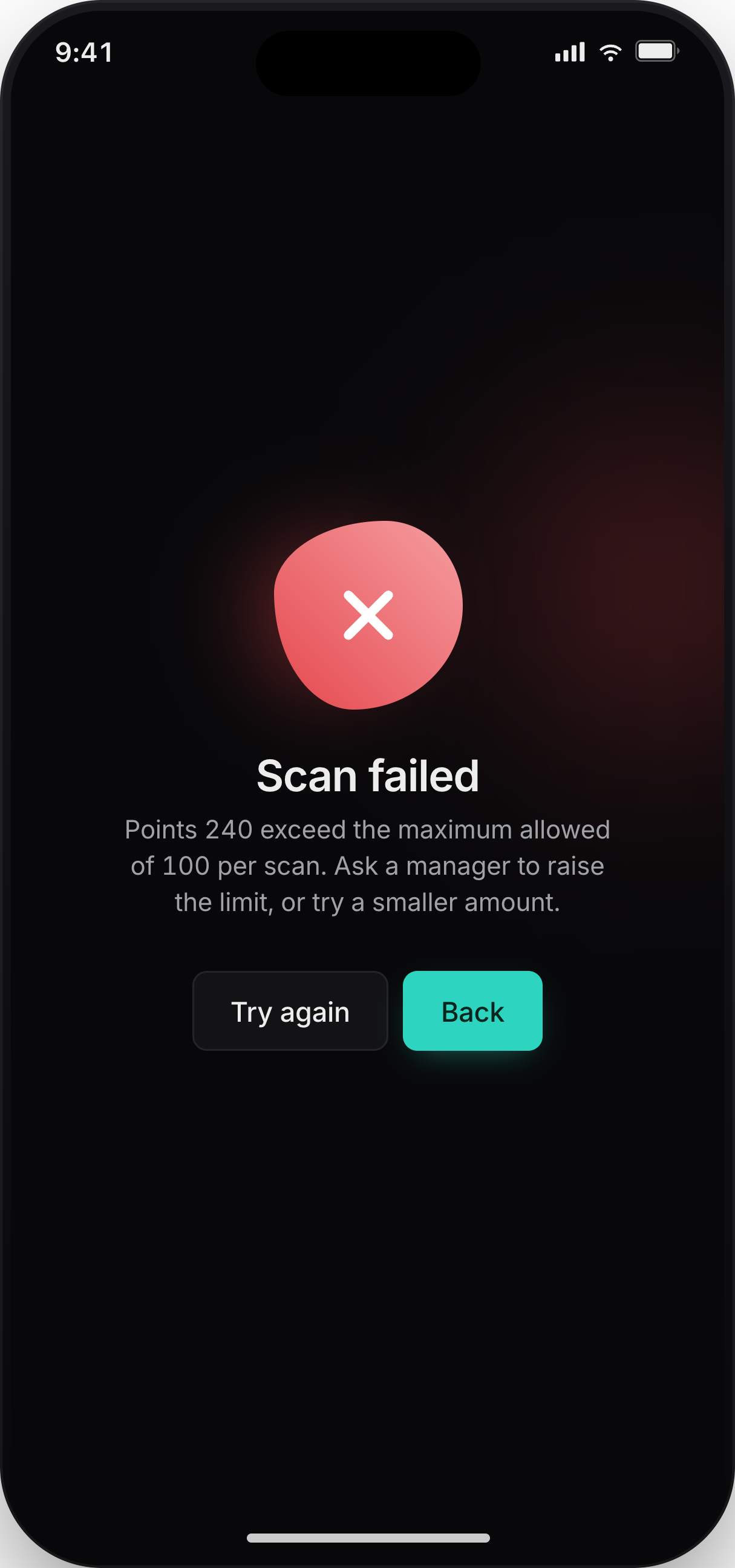
Clear error states help staff recover when a scan violates a business rule.
Scanner behavior follows the setup in Loyaltree, so staff can work quickly while the business keeps control over limits, rewards, and access.
Give employees access to the scanner without exposing owner-level settings.
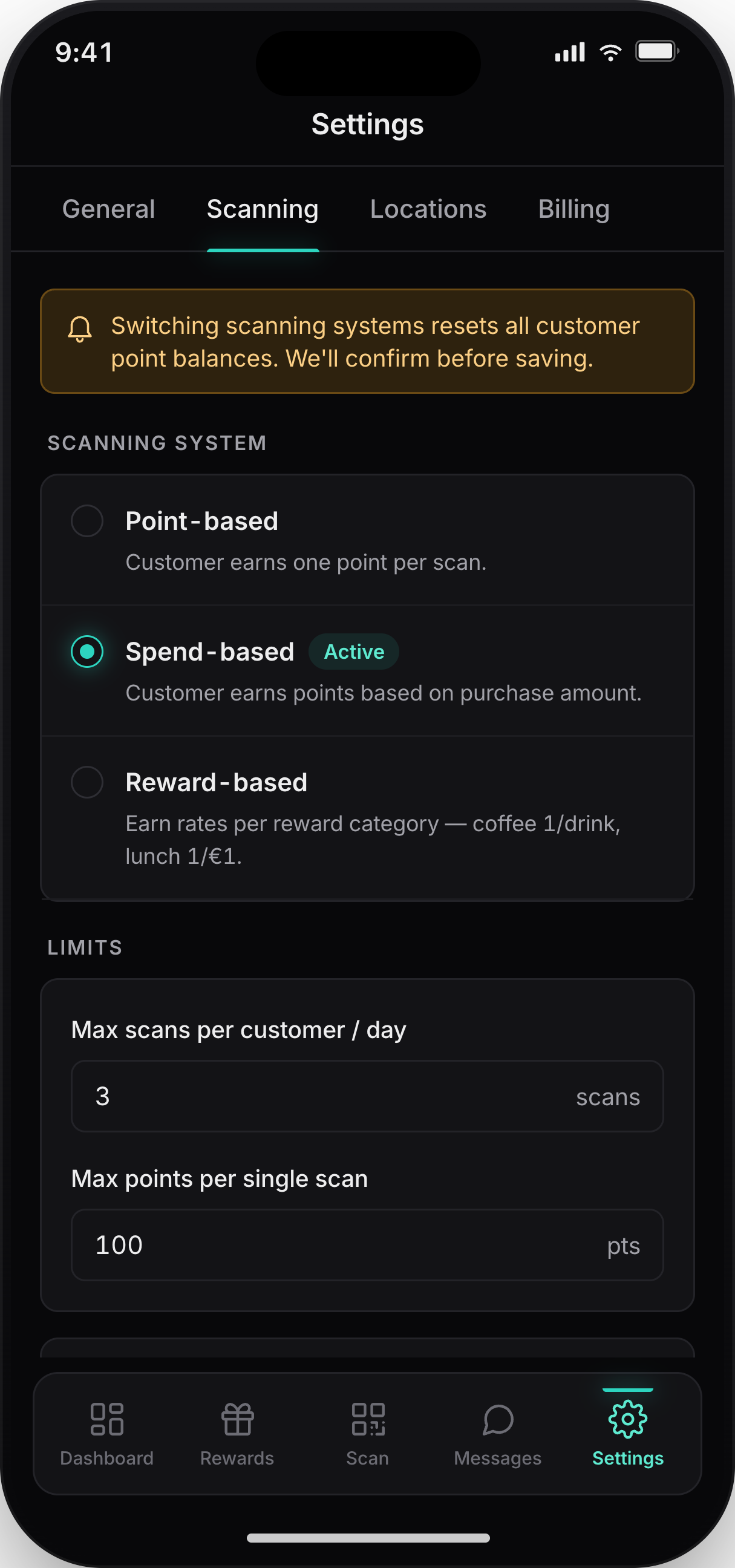
Control max scans per customer per day and protect the program from accidental repeats.
Support point-based, spend-based, or reward-based scanning depending on the business.
The scanner is built for short, repeated checkout actions.
Staff can scan and apply the right point action without searching for the customer.
Reward redemptions end with a visible confirmation state for the employee.
Scanner actions connect back to the customer wallet pass and dashboard activity.
Yes. Scanner access is designed for staff workflows, so employees can handle checkout scans without needing owner-level controls.
Let your team scan wallet passes, add points, and redeem rewards in seconds. While Loyaltree applies the rules you set.