Brand, reward, QR, customer fields.
Resources · For shops
How Loyaltree works inside your shop.
A practical guide for business owners: create the wallet pass, share the QR, let staff scan at checkout, and use the dashboard to understand repeat visits.
LoyaltreeShop loop
Apple Wallet or Google Wallet.
Earn points or redeem rewards.
Dashboard activity and results.
Shop workflow
From counter QR to returning customer.
The system is built around the moments that happen in the shop: discovery, saving, scanning, earning, redeeming, and following up.
STEP 01
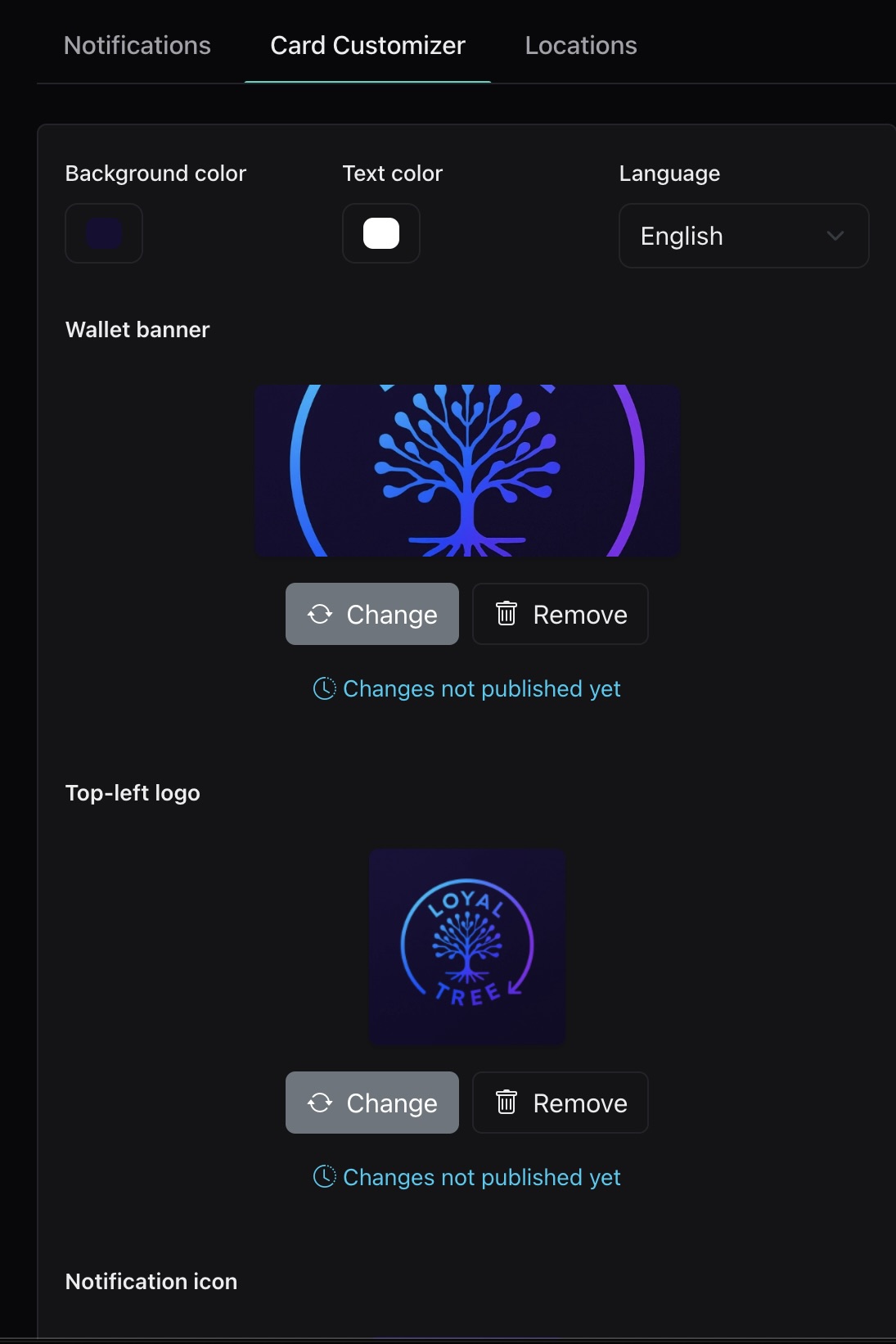
Set up the pass
Add your logo, business name, colors, reward rule, and the fields customers should see in Apple Wallet or Google Wallet.
STEP 02
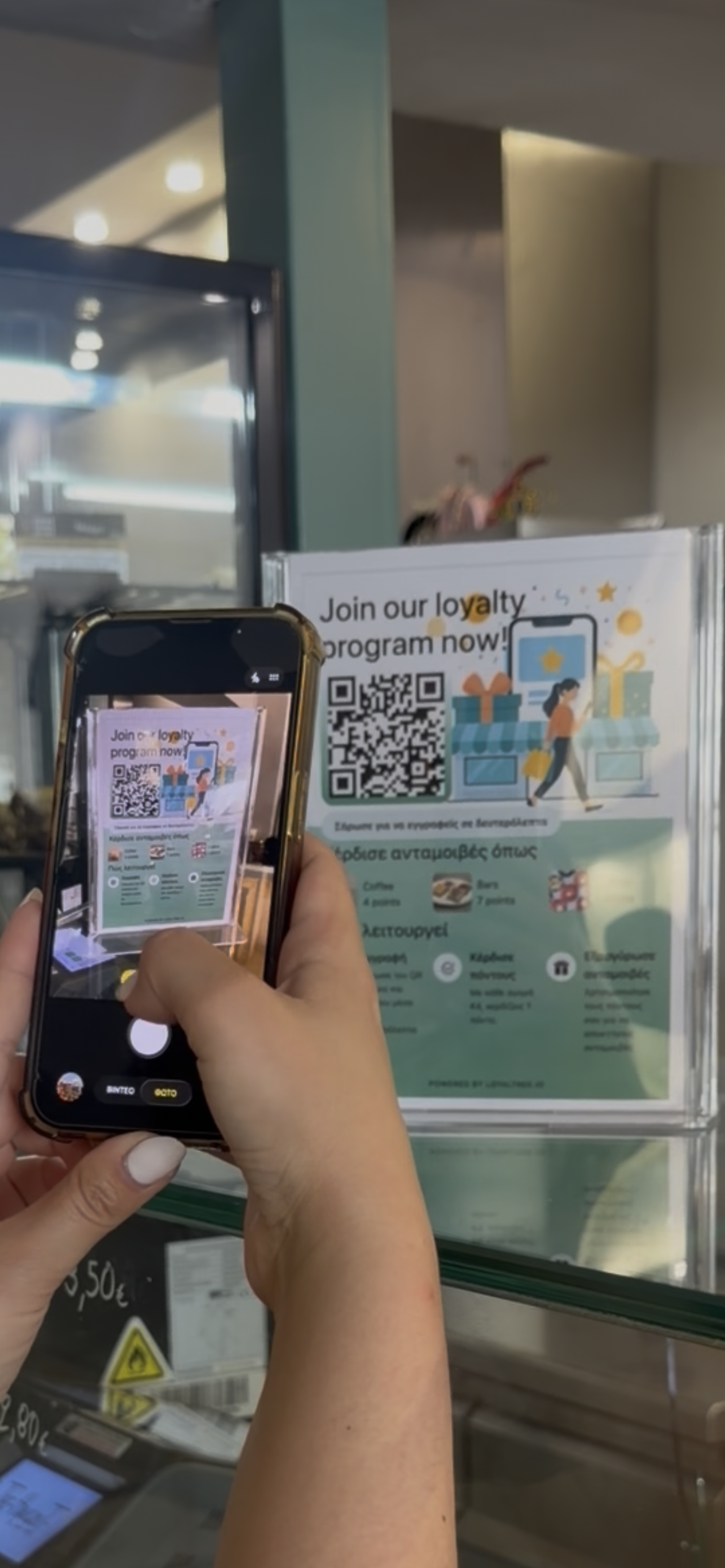
Share the QR
Place the QR where customers can easily discover the loyalty program.
STEP 03
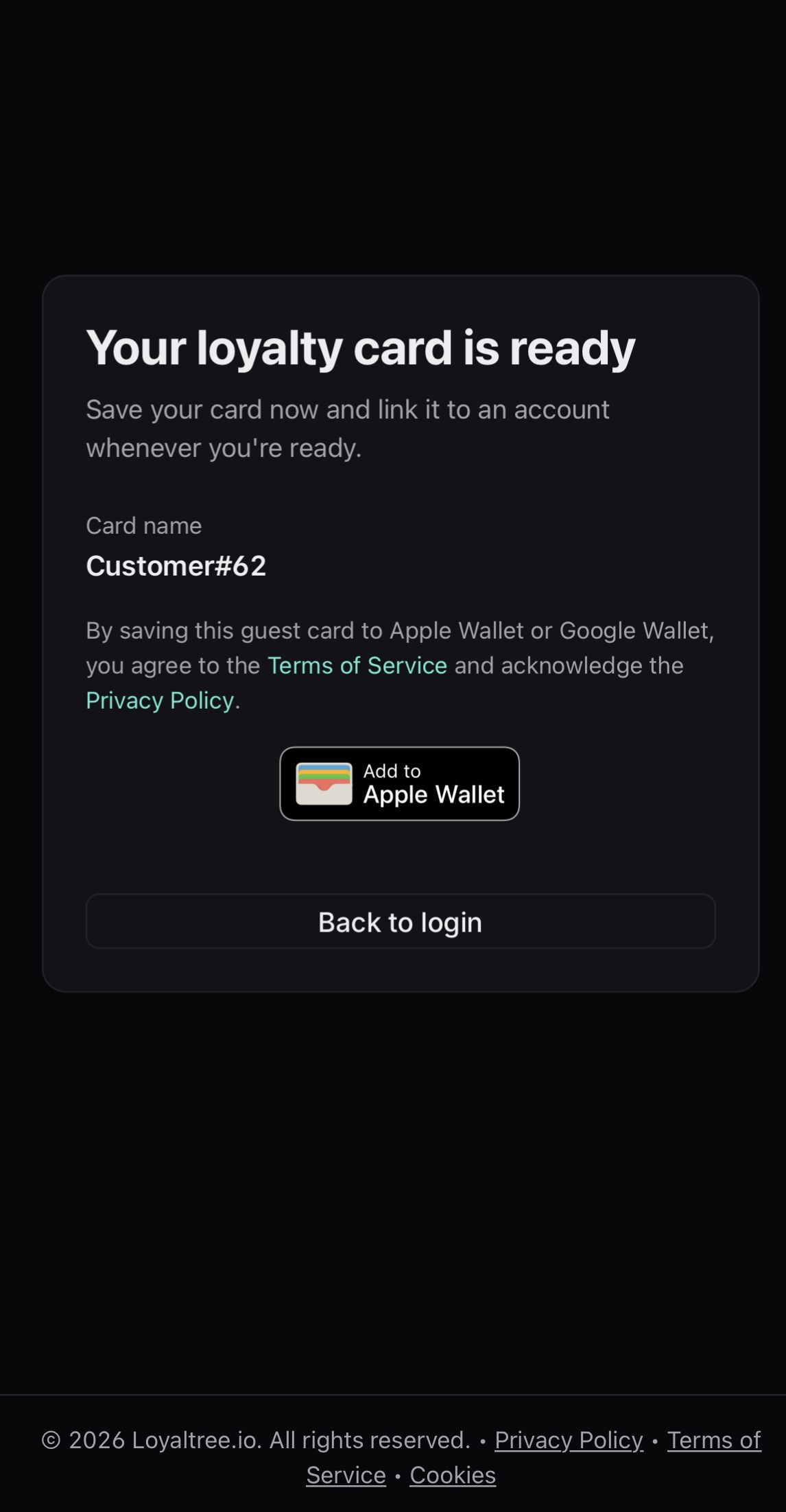
Customer saves once
Customers scan, save the wallet pass, and keep it on their phone without downloading a separate customer app.
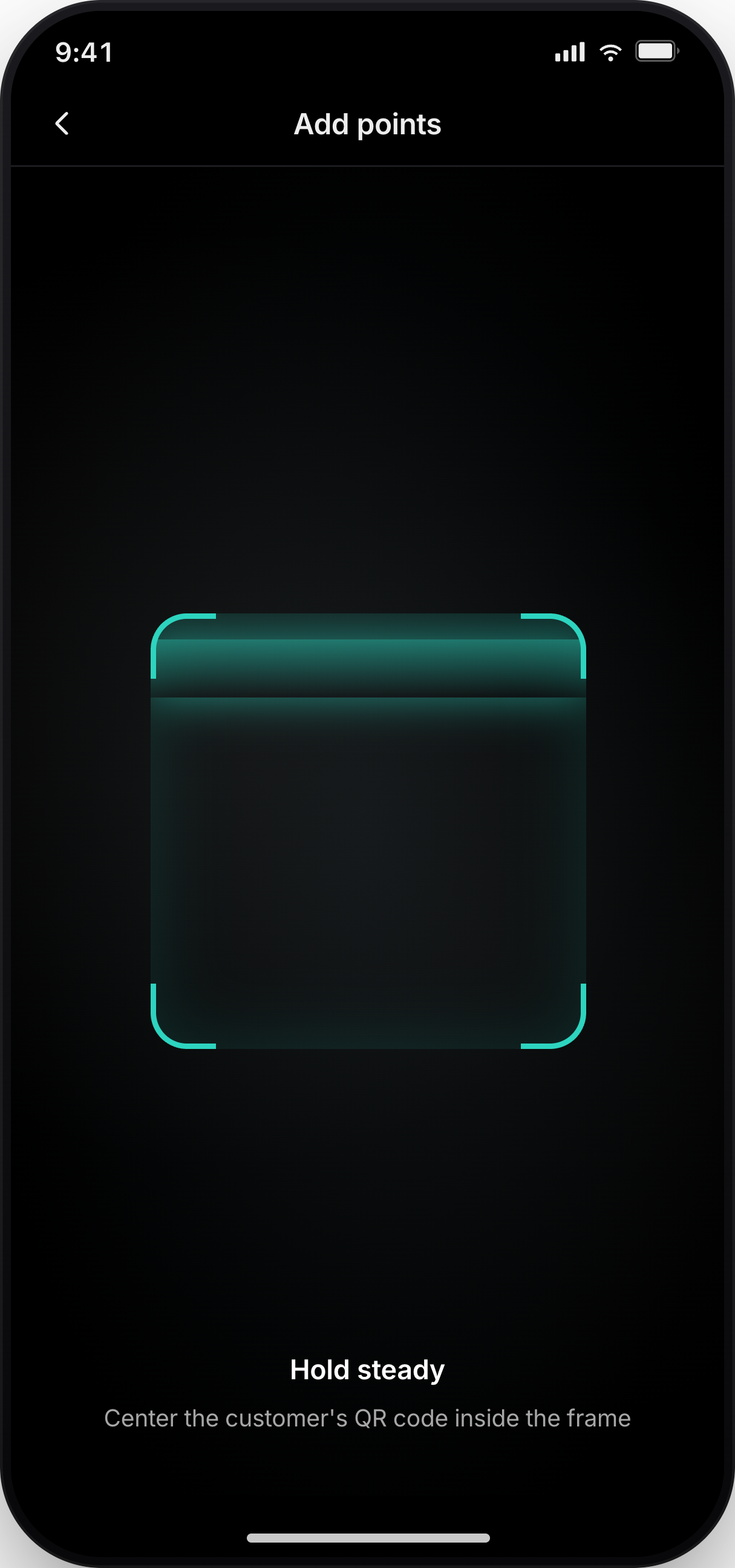
STEP 04
Staff scans at checkout
Employees scan the customer pass to add points, validate rewards, and keep the loyalty action tied to the visit.
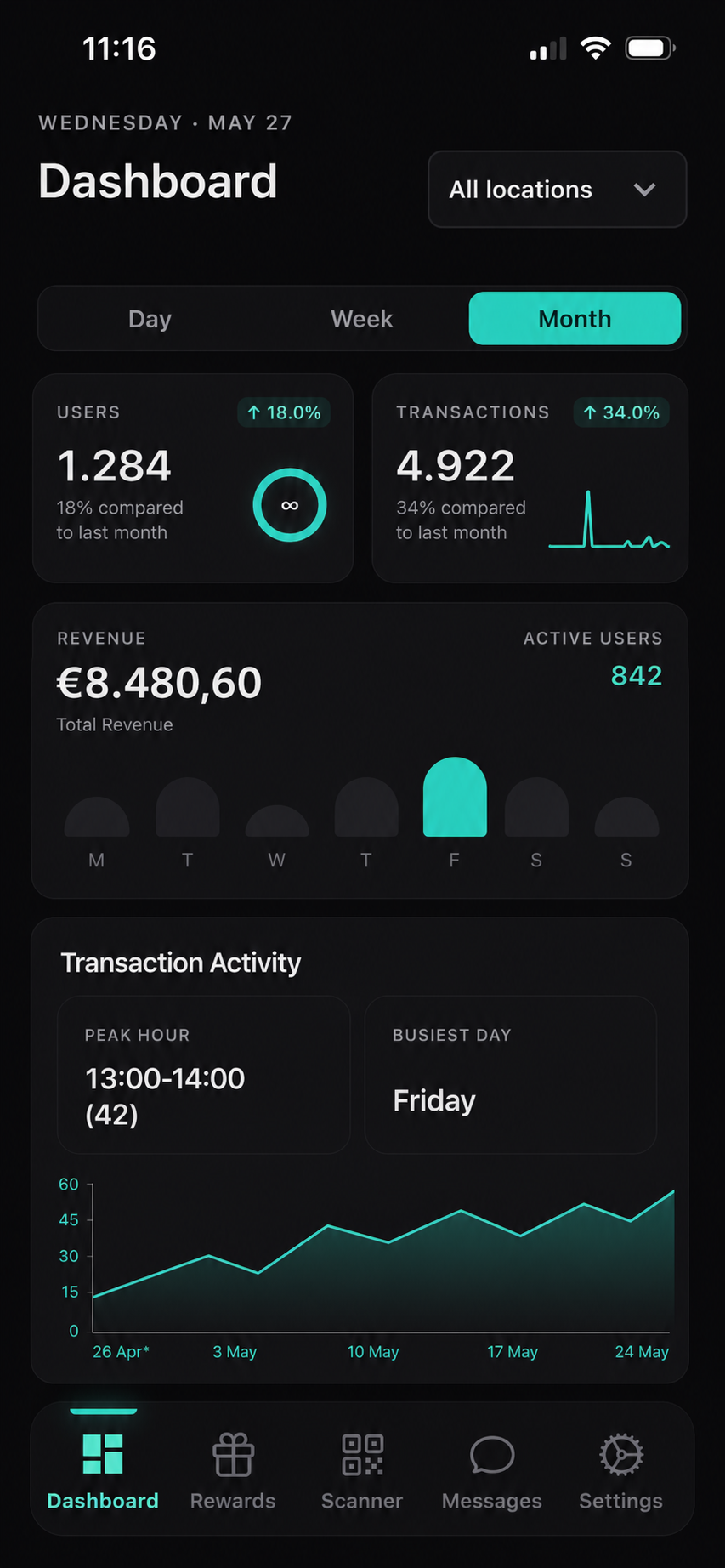
STEP 05
Owner follows the result
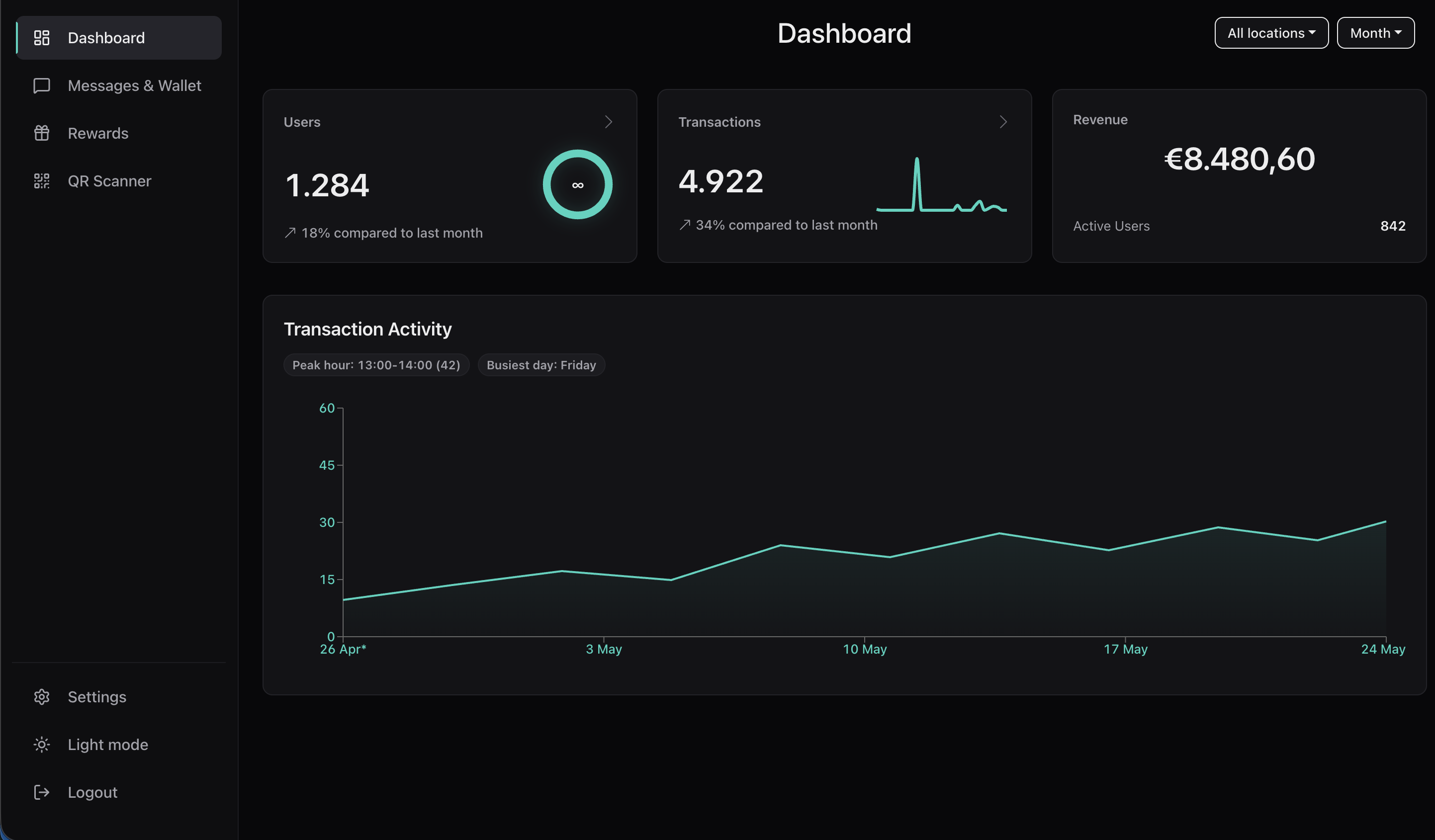
Dashboard brings customers, scans, rewards, locations, and activity into one place so the business can understand what changed.
Daily use
A loyalty system the team can actually operate.
Loyaltree should fit into the shop’s daily operation. The owner sets the rules, the team scans during checkout, and the dashboard keeps the shop informed.
Before opening
Check rewards, locations, and scanner settings before the team starts using the system.
During service
Staff scans passes, customers earn points, and reward status updates stay connected to checkout activity.
After the rush
Review scans, new customers, rewards used, and which loyalty actions deserve a follow-up message.
Owner controls
The parts a shop needs in one product.
01
Wallet pass setup
Create the public-facing card customers save and recognize every time they return.
02
Reward rules
Define how customers earn, what they can redeem, and what the next reward should communicate.
03
Scanner workflow
Give staff a focused checkout flow for earning and redeeming without slowing down the counter.
04
Notifications
Send messages from the system when you choose, plus location-based notifications when they fit the business.
05
Locations and team
Support shop locations and staff access so the same loyalty system can grow with the business.
06
Dashboard view
Follow scan activity, customers, rewards, and transactions from the owner control center.
07
Gift cards
Offer prepaid value as another reason for customers to buy, gift, and return.
Gift cards
Give customers another way to pay it forward.
Shops can sell gift cards for fixed or custom amounts. The buyer can send them to the recipient by email, while the shop manages issued cards from Loyaltree alongside loyalty activity.
Gift card€50.00
Purchased today · Delivered by email
Connected platform
Wallet pass, scanner, dashboard, and messages stay connected.
The value is not only the card. It is the way the card, the counter scan, and the owner tools work together after every customer visit.
Saved passes1,248
Scans this week382
Rewards used96
For shops FAQ
Practical answers for business owners.
The business needs a configured wallet pass, a customer-facing QR, a scanner workflow for staff, and reward rules that match how the shop wants customers to earn and redeem.
Want to map this to your shop?
Tell us how customers earn and redeem today, and we can shape the pass, scanner, dashboard, and notifications around that workflow.