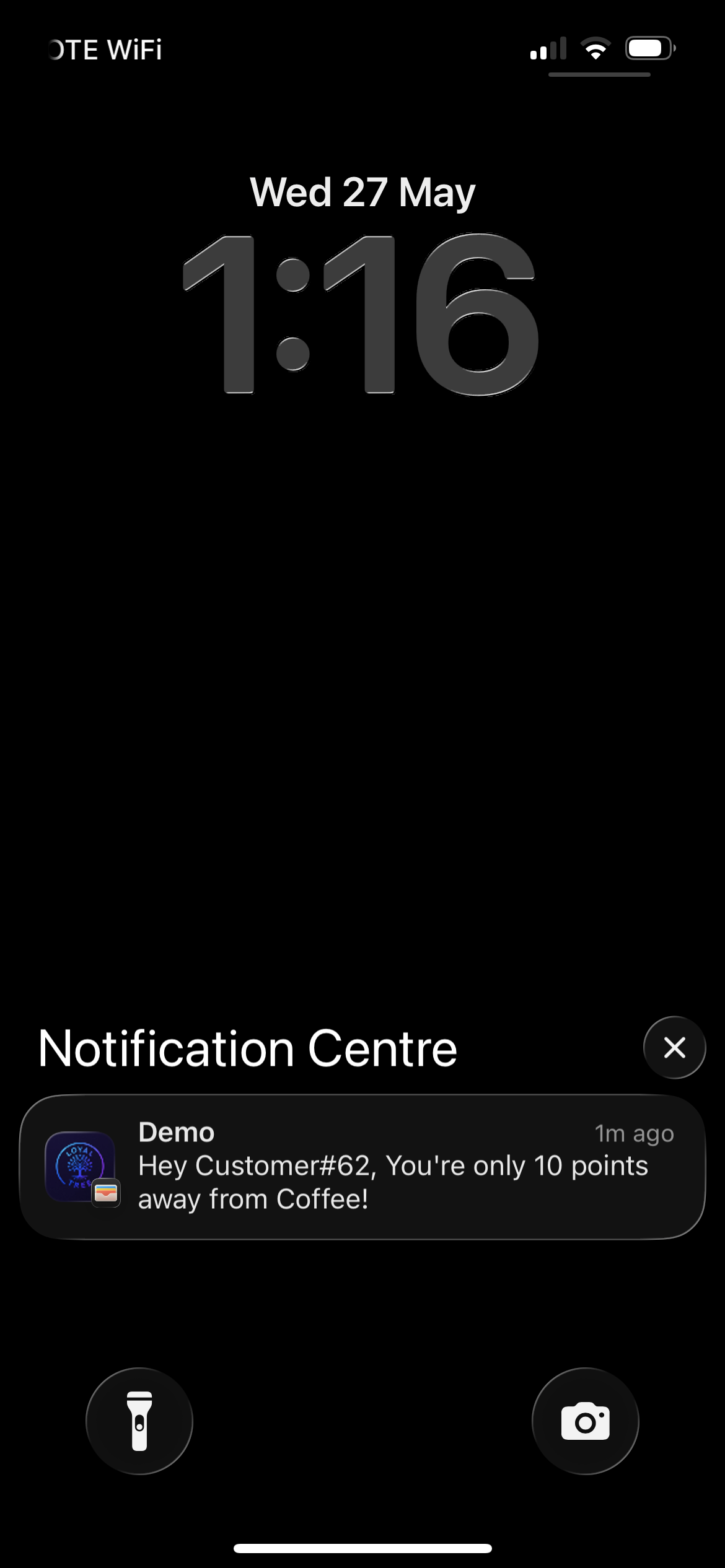
Near reward
Send a push update when a customer is close enough that one more visit matters.
Loyaltree Notifications help businesses bring customers back with wallet-aware messages tied to rewards, visits, and the right timing.
Each message connects to something the customer understands: a reward, a visit, or a useful business moment.
Send a push update when a customer is close enough that one more visit matters.
Tell customers when a reward is ready so they see it in time.
Send controlled messages for seasonal offers, launches, or store-specific moments.
The owner sets the shop location and customers inside a 200 meter radius can receive the configured message.
The owner writes and previews the push notification.
Reward state, campaign timing, or nearby shop rules are checked before delivery.
The owner-configured notification is ready for delivery.
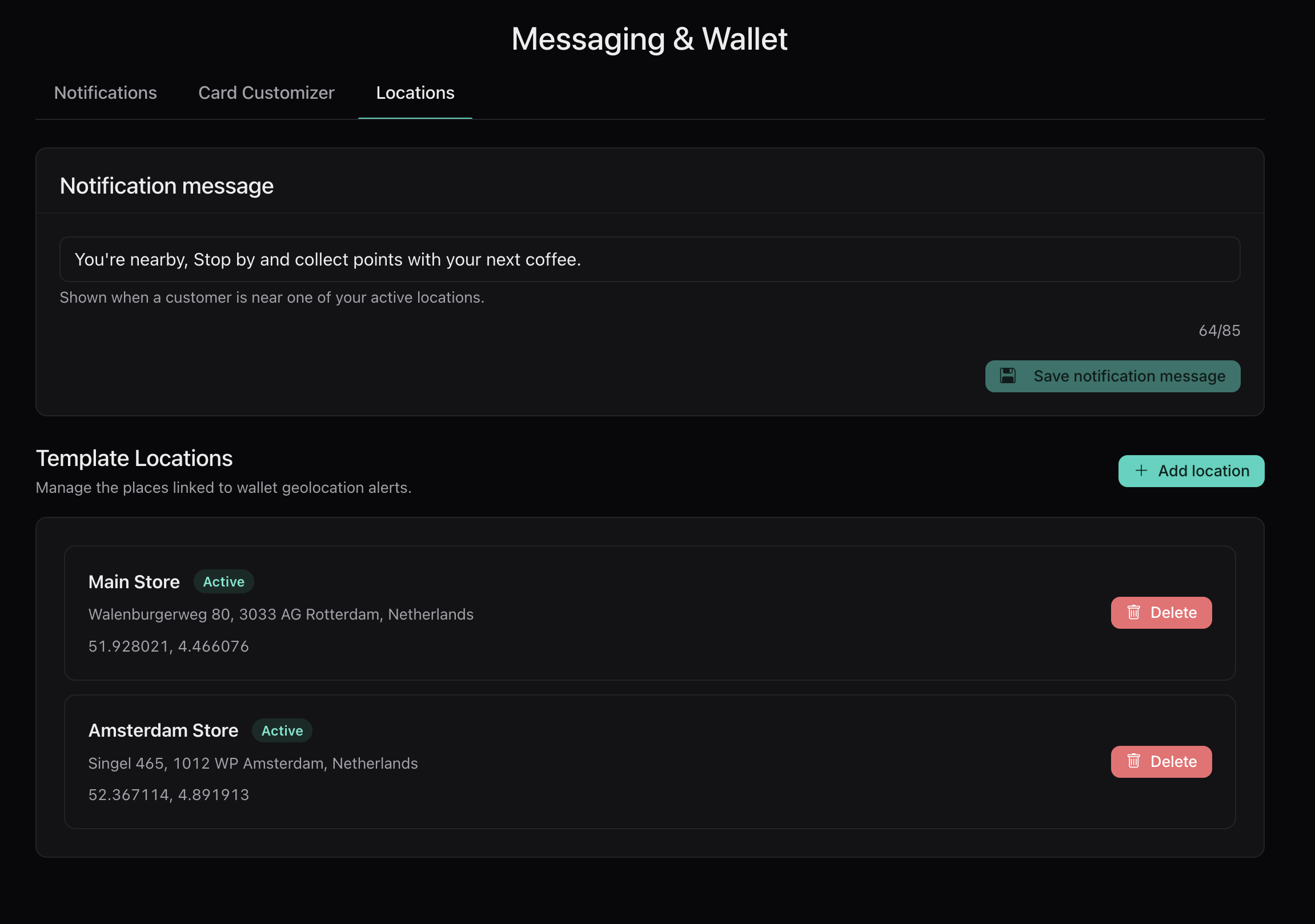
The owner sets the shop location and writes the notification message. When a customer enters the 200 meter radius around the store, Loyaltree can send that message so the visit is easier to win.
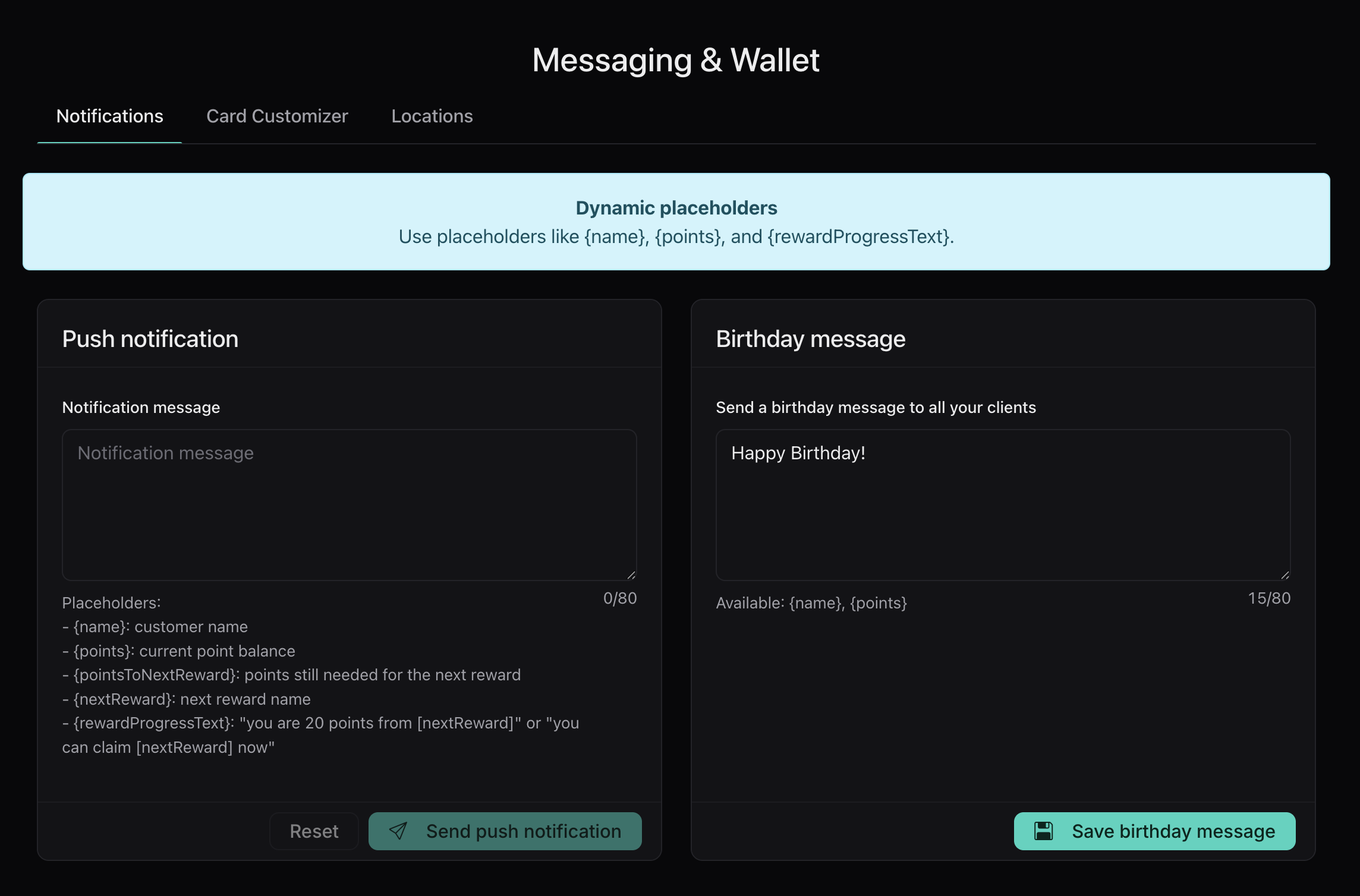
Every push notification is a chance — or a missed visit. Compose, preview on the lock screen, send.
Create the message, connect it to a useful moment, and follow the activity after customers come back.
Use the composer to write a clear push message and preview how it appears on a phone.
Connect the message to a useful business moment, such as a reward update, campaign, or nearby-shop reminder.
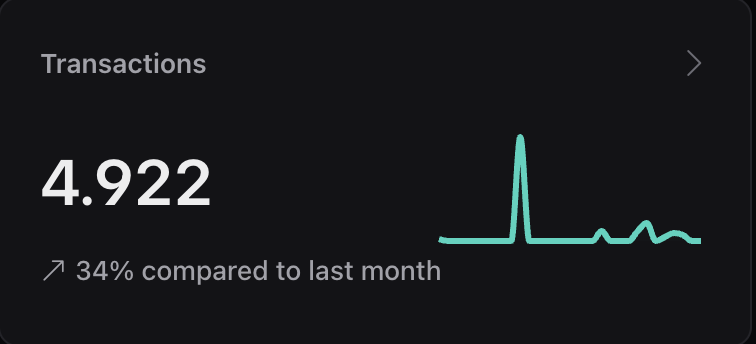
Use dashboard activity to follow visits, scans, redemptions, and customer response.
Messages connect to the loyalty state customers already see in their wallet pass.
Owners can write a message and understand how it feels on a phone before launch.
Notifications are built around meaningful moments, including reward state, campaigns, and location.
Owners can set a shop location and a 200 meter radius for nearby customer messages.
Push activity connects back to scanner visits, rewards, and dashboard reporting.
No. The notification experience is designed around the wallet pass flow, so customers do not need to install a separate loyalty app.
Connect notifications with Wallet Pass, Scanner, and Dashboard so messages follow real loyalty activity.